Skip to content

Wearable Apps Built for the Wrist, Not Shrunk

Apple Watch, Wear OS and connected device apps that show the right glance, collect sensor data safely and sync with your mobile app.

Wearable app development for glanceable, sensor-driven experiences

Wearable apps are used in two-second glances, often while walking, working or exercising. A smartwatch screen holds a handful of words, the battery is tiny, and much of the value comes from sensors such as heart rate, steps, motion and location. Wearable app development means designing for those limits rather than squeezing a phone app onto the wrist.

Typical clients include fitness and wellness apps adding a watch companion, healthcare startups collecting patient data between visits, and businesses giving field or warehouse staff hands-free alerts. Hardware makers also come to us for the phone app that connects to their own Bluetooth device and turns raw readings into something useful.

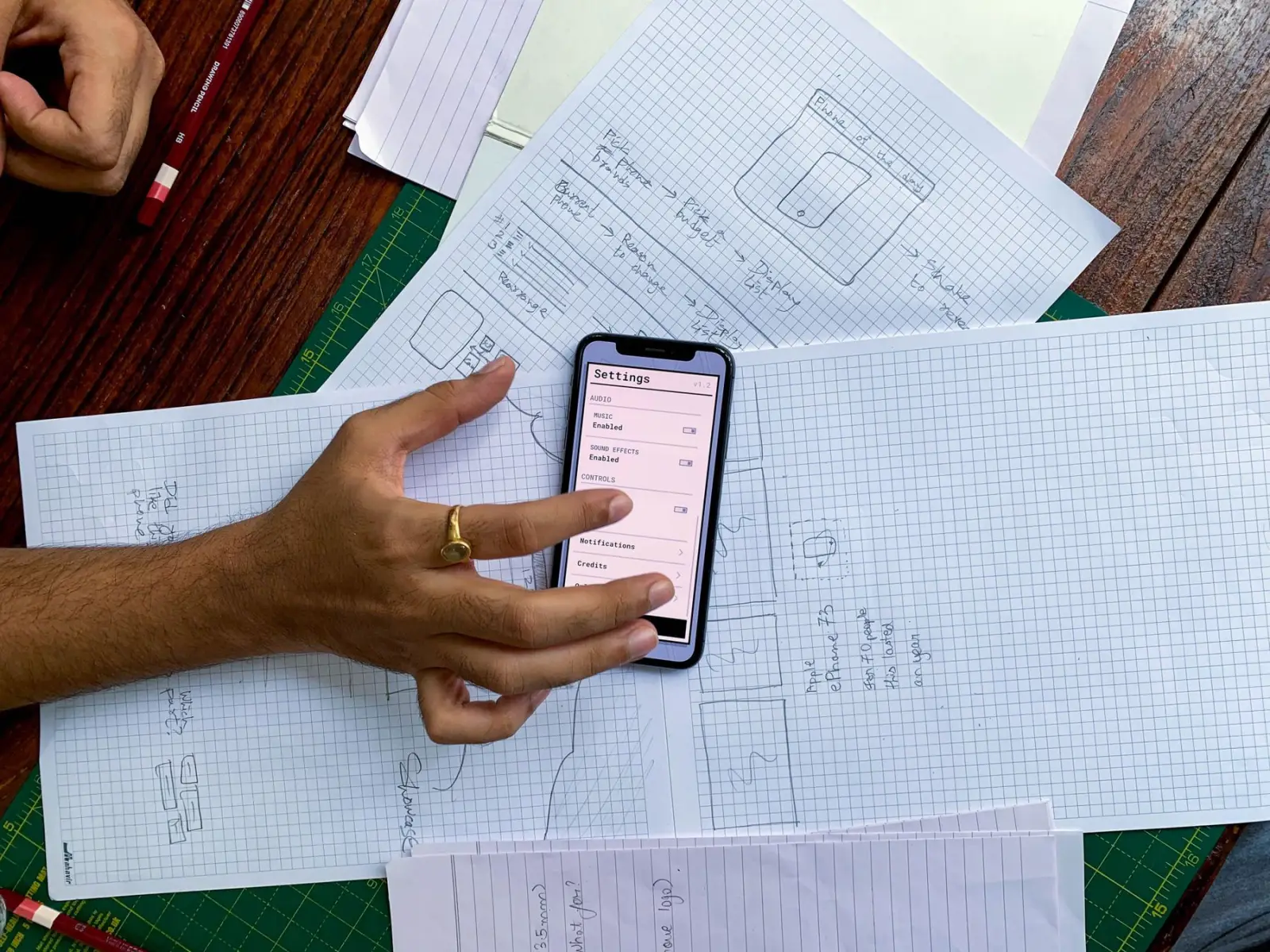
Nexzem prototypes the watch experience early on real devices, because what looks fine in a simulator often fails on the wrist. We build with SwiftUI for watchOS, Kotlin for Wear OS and Flutter or native code for the companion app, integrate HealthKit or Health Connect where needed, and treat health data with strict consent and encryption.

Design a face for a glance

Choose a style and what each complication shows. On a wrist there is a second or two of attention, so every slot has to earn its place.

Our Wearable App Development services

Apps for Apple Watch, Wear OS and connected devices that pair with your phone app and health data.

  1. 01

    Apple Watch Apps

    watchOS apps with complications, notifications and workouts built in SwiftUI, syncing reliably with your existing iPhone app through WatchConnectivity.

  2. 02

    Wear OS Apps

    Wear OS apps and tiles in Kotlin and Compose, tested on popular watch models for battery use and sensor accuracy.

  3. 03

    Health Data Integration

    Read and write steps, heart rate, sleep and workouts through HealthKit and Health Connect, with clear user consent at each step.

  4. 04

    BLE Companion Apps

    Mobile apps that pair with custom Bluetooth devices, reconnect reliably, and turn raw sensor streams into charts and alerts.

  5. 05

    Smart Notifications

    Actionable wrist alerts for orders, appointments, safety events or shift tasks, designed to be read and answered in seconds.

  6. 06

    Fitness and Wellness Features

    Workout tracking, goals, streaks and coaching prompts that keep users engaged without draining the watch battery by the afternoon.

Settings

Wearable App Development with Nexzem: what you get

  • Designed for glances

    Information is cut to what matters in two seconds, so users actually rely on the watch app.

  • Battery-aware code

    Sensor sampling, sync timing and background work are tuned to protect battery life.

  • Health data handled carefully

    Consent, encryption and minimal data collection are built in for sensitive readings.

  • One connected ecosystem

    Watch, phone and backend share data cleanly, so the experience feels continuous.

Where Wearable App Development fits

  • Workout tracking for a fitness brand

    A fitness brand's watch app starts guided workouts, shows heart rate zones and interval timers on the wrist, and syncs results to the phone app and coaching platform, so trainers can follow member progress between gym sessions.

  • Medication reminders for older adults

    A care app reminds older users to take medication with gentle haptic alerts and one-tap confirmation on the watch, while family members or caregivers see adherence summaries in a companion app and receive alerts for missed doses.

  • Task alerts for warehouse staff

    Warehouse pickers receive task assignments and urgent alerts on smartwatches, keeping hands free for picking, and confirm completion with a tap, giving supervisors live visibility of workload without staff checking handheld terminals constantly.

  • Fall detection for senior safety

    A senior safety service uses watch sensors and platform fall detection features to alert caregivers and emergency contacts, sharing location automatically when a fall is detected and the wearer does not respond within a short interval.

  • Companion app for a smart ring

    A hardware startup's companion apps pair with its smart ring over Bluetooth, sync sleep and activity data, manage firmware updates and present insights on phone and watch, with careful handling of connection drops and battery status.

Designing for the wrist

Wearable interactions last seconds, not minutes. People glance at a watch to check a notification, start a workout or confirm a step, then return to what they were doing. Successful wearable apps focus on a few high-value moments and make them possible with one or two taps, a swipe or a voice command, leaving complex tasks to the phone.

Information must be readable at a glance, often while moving or outdoors. Large text, strong contrast, simple icons and short labels matter far more than on a phone. Complications and widgets on the watch face can show the single most useful piece of information, such as next appointment or today's progress, without opening the app at all.

Notifications need special care because they arrive on the user's body. Too many alerts quickly become irritating and lead people to disable them. Prioritize time-sensitive, actionable messages, and let users control frequency and quiet hours from the companion app. Test notification volume with real users for a few weeks before launch.

Battery, sensors and platform constraints

Wearables have small batteries, limited processing and strict platform rules about background activity. An app that polls sensors constantly or syncs too often can drain a watch in hours and earn poor reviews. The design constraints below shape most technical decisions in wearable projects, and they should be considered from the first prototype.

Apple Watch and Wear OS differ in their frameworks, background execution rules, health data access and companion app requirements, so building for both means two native implementations or a careful shared architecture for the logic that can be reused. Testing on real devices is essential, because simulators do not reproduce battery behavior or sensor readings accurately.

Connected devices add another layer. Apps that pair with custom Bluetooth hardware must handle disconnections, firmware versions and pairing problems gracefully, since users blame the app when the connection fails. Clear status indicators, automatic reconnection and helpful troubleshooting screens reduce support tickets and protect ratings.

  • Batch sensor reads and sync data in efficient intervals.
  • Use platform workout and health APIs rather than custom polling.
  • Keep watch screens simple to reduce rendering work.
  • Handle offline periods and sync when the phone reconnects.

Health data: accuracy, privacy and regulation

Consumer wearables measure heart rate, steps, sleep and activity with useful but imperfect accuracy. Apps should present these values responsibly, avoid implying clinical precision and explain what readings mean. Combining data from HealthKit or Health Connect with clear context gives users value without overstating what sensors can tell them.

Health information is sensitive personal data. Collect only what the app needs, explain why, encrypt it in transit and at rest, and give users control over sharing and deletion. Laws such as GDPR and India's DPDP Act apply to personal data, and health programs run on behalf of US healthcare providers may bring HIPAA obligations.

Claims matter for regulation. An app that diagnoses, treats or monitors a medical condition may qualify as a medical device under regulators such as the US FDA or India's CDSCO, requiring formal approval. Wellness apps that avoid medical claims face lighter rules, so decide positioning early with regulatory advice.


How Wearable App Development engagements run

Clear stages with a review at the end of each, so you always know what happens next and what it costs.

  1. Stage 1now

    Use Case Definition

    We decide what belongs on the wrist and what stays on the phone.

  2. Stage 2after sign-off

    Device Prototyping

    Early builds run on real watches to test readability, gestures and battery impact.

  3. Stage 3after sign-off

    Build and Sync

    Watch, companion app and backend are developed together, with sync logic tested end to end.

  4. Stage 4after sign-off

    Field Testing and Release

    Testing during real activities, then store submission for watchOS and Wear OS.

Technologies we use for wearable app development

Proven, well-supported tools chosen for your scale, budget and team, never for novelty.

  • Swift
  • Kotlin
  • Flutter
  • iOS
  • Android
  • Firebase
  • Node.js
  • Python

Wearable App Development FAQs

Something else on your mind? Ask a consultant and get a reply within one business day.

How much does a wearable app cost?

Cost depends on platforms (Apple Watch, Wear OS or both), whether a companion phone app already exists, sensor and health data integration, custom Bluetooth hardware, and backend needs. Adding a watch app to an existing phone app costs far less than building the whole ecosystem. We give a fixed quote after a free consultation.

Do I need a phone app as well?

Usually, yes. Most watch apps depend on a companion phone app for setup, login and heavier tasks. If you already have one, we extend it. If not, we build both together.

Can you connect to our own Bluetooth device?

Yes. We build BLE companion apps that pair, reconnect, read and write characteristics, and handle firmware updates if your device supports them. We work from your device's protocol documentation.

How do you protect health data?

We collect only what each feature needs, ask for explicit consent through platform permission flows, encrypt data in transit and at rest, and follow Apple and Google health data policies. We sign an NDA on request.

How long does wearable app development take?

A watch companion for an existing app often takes 6-10 weeks. A new ecosystem with phone app, watch app and backend takes longer and is planned in phases.

Can a watch app work without the phone nearby?

Partly, depending on the watch and features. Cellular and Wi-Fi watches can fetch data independently, and many features such as workouts and reminders work offline, syncing later. Some functions, such as complex setup or large data transfers, still rely on the companion phone app for practical reasons.

Which smartwatches and wearables do you support?

We build for Apple Watch with watchOS and for Wear OS watches from manufacturers such as Samsung and Google. We also integrate data from fitness platforms through HealthKit and Health Connect, and connect custom Bluetooth wearables through companion apps. Platform choice follows where your users are.

Can wearable data feed our clinical or business systems?

Yes, with user consent and proper safeguards. Data can flow from the companion app to your backend and then to clinical, wellness or workforce systems through secure APIs. We design consent screens, data minimization and access controls so only appropriate people see each type of information.

Since our first project

Happy clients
250+
Projects delivered
150+
Industries served
15+
Pricing and engagement models
  • Mutual NDA first

    Signed before any detailed discussion of your idea.

  • You own the code

    100% of the source code and IP is yours on delivery.

  • Reply in one business day

    From a solutions consultant, Mon to Sat, 09:30 to 18:30 IST.

  • Estimate in 48 hours

    A fixed quote or team estimate, broken down by milestone.

We work with clients across the USA, UK, Australia, UAE, New Zealand and India.

Where we work

Tell us what you're building.

A solutions consultant replies within one business day with next steps, a rough estimate and a suggested team.