NexChatWhatsApp chatbots, campaigns and team inbox
Sell and support customers on WhatsApp
Build WhatsApp chatbots without code, send approved broadcast campaigns and give your whole team one shared inbox, all on the official WhatsApp Business API.

- PSPriya SBuy · 60L to 1Cr · BanerHot lead
- RMRahul MCan I get the brochure?Arjun
- AKAnita KVisit confirmed for SatResolved
- MJMohit JPrice for the 3BHK?Bot
Priya assigned to Neha, sales
Buyers, Baner · 2,400 opted in
Delivered96%
Read71%
Replied18%

Your customers are on WhatsApp. Your team cannot keep up.
Most customers would rather send a WhatsApp message than fill a form or wait on hold. But a single phone running the WhatsApp Business app cannot be shared by a team, messages get missed after hours, and bulk messages from personal numbers risk getting blocked. NexChat gives you the official API, automated replies around the clock, and a shared inbox where every chat has an owner.
Reply in seconds, any time
Bots handle common questions instantly, day and night, so leads do not go cold while your team is offline.
One number for the whole team
Sales and support share one verified WhatsApp number without passing a phone around.
Campaigns that stay compliant
Send only approved templates to opted-in contacts on the official API, which lowers the risk of number bans.
More sales from existing chats
Catalogues, payment links and timely follow-ups turn conversations into orders without extra channels.
Everything NexChat does for you
Automate replies, run broadcast campaigns and manage customer chats on the official WhatsApp Business API.
- 01
No-code chatbot builder
Drag and drop flows with buttons, lists and questions to answer FAQs, capture leads and route chats. No developer needed.
- 02
Auto-replies and away messages
Reply instantly to greetings, keywords and after-hours messages so no customer is left waiting.
- 03
Broadcast campaigns
Send offers, updates and reminders to opted-in contact lists, segmented by tags, with scheduling and delivery reports.
- 04
Shared team inbox
Multiple agents work from one WhatsApp number. Assign chats, add internal notes and see who is handling what.
- 05
CRM and lead tagging
Every contact gets a profile with tags, custom fields and chat history so sales can follow up on the right leads.
- 06
Catalogue and payments
Share your product catalogue in chat, take orders and send payment links so customers can buy without leaving WhatsApp.
- 07
Message templates
Create and submit message templates for Meta approval from the dashboard and reuse them across campaigns and alerts.
- 08
Order and appointment alerts
Send order confirmations, shipping updates, booking reminders and OTPs automatically from your existing systems.
- 09
AI answers from your content
Train the bot on your FAQs, policies and product details so it can answer common questions in natural language.
- 10
Campaign and chat analytics
Track delivered, read and replied rates, agent response times and which flows bring in leads.
How NexChat works
Live in days, not months. We handle the setup and train your team.
- 01
Connect your WhatsApp number
We guide you through Facebook Business verification and WhatsApp Business API setup for your business number.
- 02
Build your flows
Set up welcome messages, FAQ flows, lead capture and routing rules using the visual builder or ready templates.
- 03
Import contacts and add your team
Upload opted-in contacts, tag them into segments and invite agents to the shared inbox.
- 04
Launch, measure and improve
Go live, send your first campaign and use the reports to refine messages, flows and follow-ups.
Who it's built for
NexChat is set up around how each kind of business already works, so your team changes tools, not habits.
See it with your dataD2C and e-commerce brands
Recover abandoned carts, share catalogues, confirm orders and send delivery updates on WhatsApp.
Real estate and sales teams
Capture enquiries from ads, qualify leads with a bot and hand warm leads to the right salesperson.
Education and coaching
Answer admission queries, share brochures and send class, exam and fee reminders to students and parents.
Clinics and healthcare
Let patients book appointments, get reminders and receive reports or follow-up instructions on WhatsApp.
Customer support teams
Resolve routine questions with the bot and route the rest to agents in a shared inbox with full context.
Works with the tools you already use
NexChat connects to the systems you run today, so nothing has to be replaced on day one.
- Payments
 Razorpay
- CRM and helpdesk
 HubSpot
 Salesforce
 Zoho CRMFreshdesk
 Facebook Lead Ads
- Online stores
 Shopify
 WooCommerce
- Data and automation
- Google Sheets
 Zapier
More from Nexzem
Every product is built and run by the same team that builds custom software for our clients.
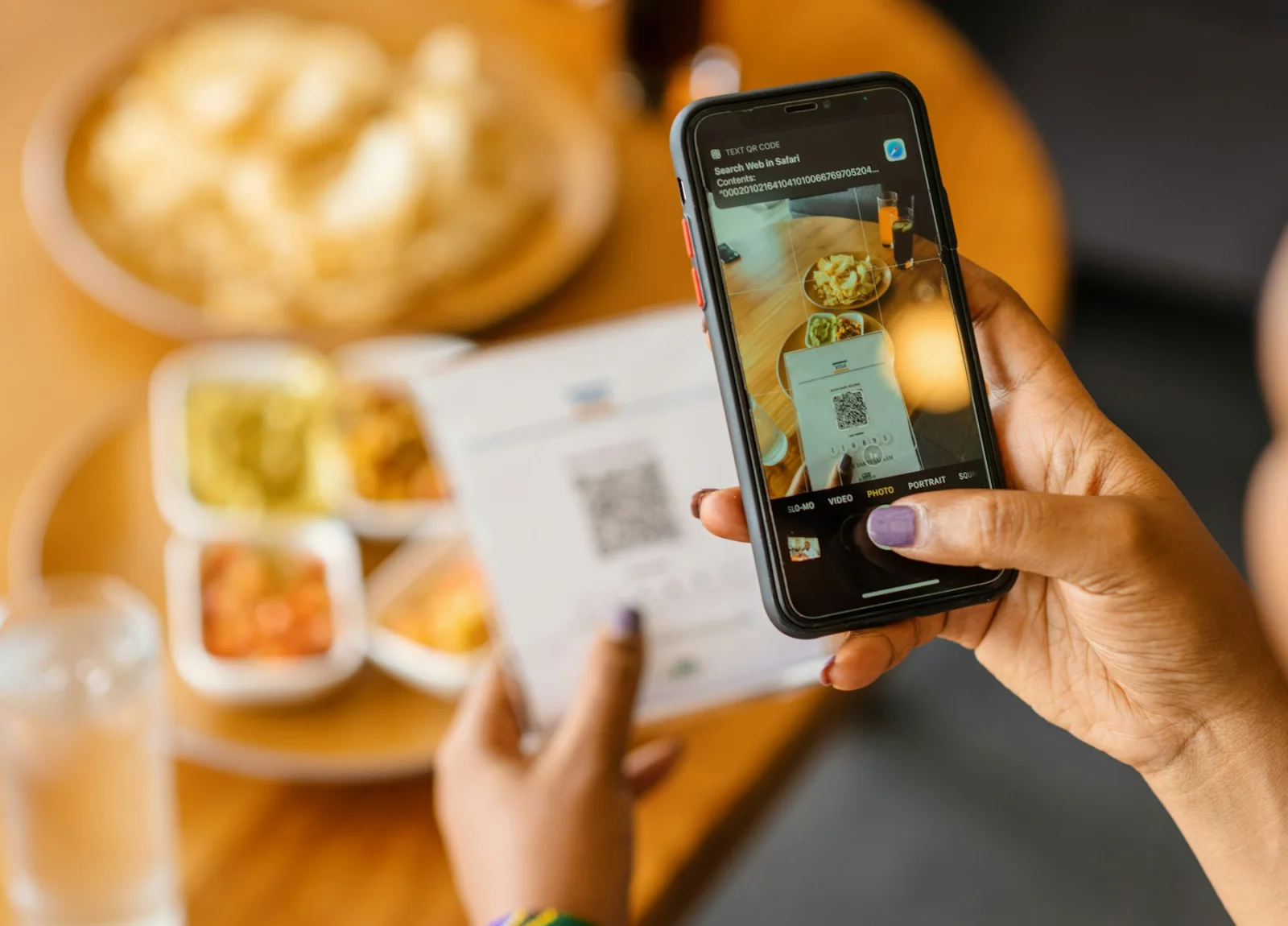
QR ordering and digital menus for restaurants
NexEats
Guests scan, order and pay from the table while your kitchen gets every order instantly.
Explore NexEats
Teach, test and manage students in one place
NexEduHub
LMS, live classes, tests, fees and attendance in one platform for schools, coaching institutes and educators.
Explore NexEduHub
AI voice agents that answer and make calls
NexCall
AI calling agents built for your business that handle support, lead calls, bookings and reminders in many languages.
Explore NexCall
Questions, answered
Something else on your mind? Ask a consultant and get a reply within one business day.
How is NexChat priced?
Plans are based on the number of team members and features you need. WhatsApp conversation charges set by Meta are billed separately at their published rates. Book a demo for a quote.
Do I need WhatsApp Business API approval?
Yes. NexChat runs on the official WhatsApp Business API, which needs a verified Facebook Business account and a phone number. We guide you through the application, and approval timelines depend on Meta's review.
Can I use my existing WhatsApp number?
Yes, as long as the number can be moved to the API. A number currently active on the WhatsApp app has to be removed from the app first, and we help you plan the switch so chats are not interrupted.
Can I send bulk messages without getting blocked?
You can send broadcasts to contacts who have opted in, using templates approved by Meta. Following these rules and keeping messages relevant is the best way to protect your number's quality rating.
Does the chatbot support Hindi and other Indian languages?
Yes. You can build flows and replies in Hindi, Tamil, Marathi, Bengali and other languages, and route customers to the right flow based on the language they choose.
How long does setup take?
Once API access is approved, a basic bot and inbox can be live within a day or two. Custom flows and CRM integrations usually take a few more days.
See NexChat working for your business
Book a live demo. We'll set it up with your own data so you can judge it properly.
- 01
Share the brief
Use the form, call, or message us on WhatsApp. A few lines is enough.
- 02
Reply within one business day
A solutions consultant answers, Mon to Sat, 09:30 to 18:30 IST.
- 03
Next steps, estimate and team
A rough estimate and a suggested team, before you commit to anything.